Prepare CSV files
With Studio, you can batch import vertex and edge data into Nebula Graph. Currently, only CSV files without headers and comma-separated data are supported. Each file represents vertex or edge data of one type.
To create applicable CSV files, process the source data as follows:
-
Generate CSV files for vertex and edge data:
user.csv: Contains the vertices representing users with no property. TheuserIdcolumn can be used as the vertex IDs.course.csv: Contains the vertices representing courses with thecourseIdproperties. ThecourseNamecolumn can be used as the vertex IDs.-
actions.csvcontains:- The edges representing actions with the
actionId,label,duration,feature0,feature1,feature2, andfeature3properties. For thelabelcolumn, 1 is replaced withTRUEand 0 is replaced withFALSE. - The
userIdcolumn representing the source vertices of the edges. - The
courseNamecolumn representing the destination vertices of the edges.
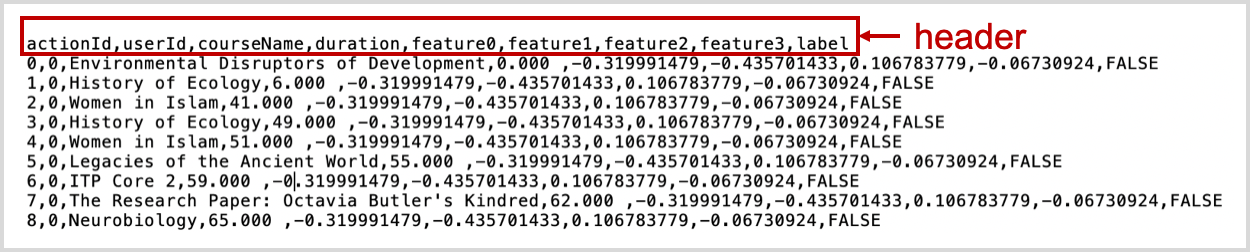
This figure shows an example of a CSV file with the header.
- The edges representing actions with the
-
Delete all the headers from the CSV files.
Last update: December 30, 2020